
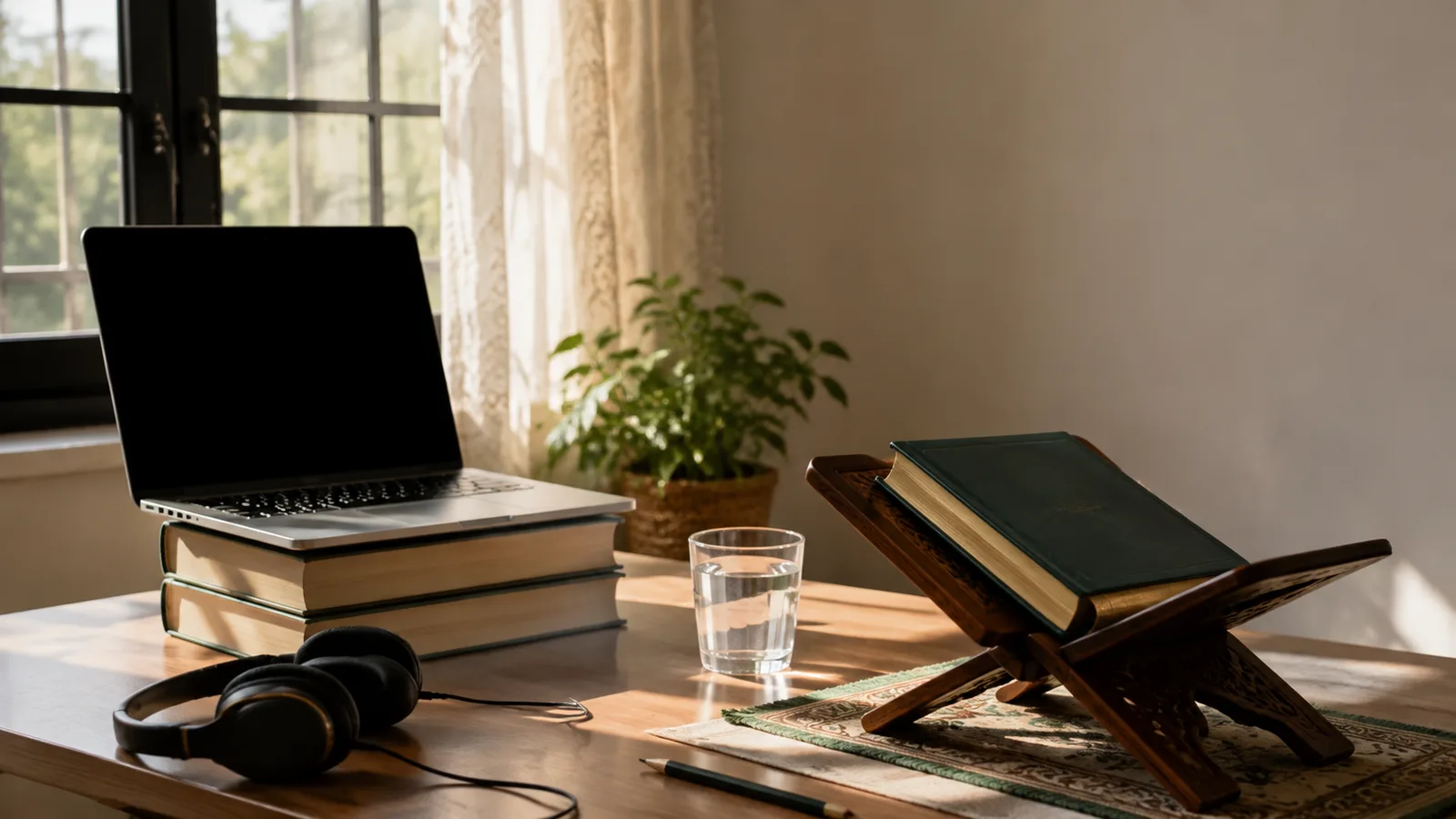
A good online Quran class setup needs four things: a quiet spot that stays the same every week, a device positioned so the teacher can see the learner's mouth and the book, clear sound in both directions, and an internet connection with a fallback. None of it requires special equipment. The details below are what separate a lesson spent on correction from a lesson spent asking whether the teacher can hear you.
Pick one spot and make it boring
The best place for the lesson is the one that is available at the same time every week without negotiation. A corner of the dining table, a desk in a shared room or a small table in a hallway all work. What matters is that the spot is quiet, that the television and kitchen noise are somewhere else, and that the child sits there and nowhere else for Quran.
For children, an open family area with an adult within hearing distance is the right choice; it makes supervision easy and keeps the lesson inside the ordinary life of the house. Our child safety guide for online Quran classes explains why that matters. For an adult, a door that closes is the priority.
Clear the surface before the lesson. Toys, a second tablet, a phone with notifications on and a sibling's homework all belong somewhere else. The desk holds the device, the book, a pencil and a glass of water. If the same table has to serve homework, meals and Quran, a small box that holds the book, headphones and pencil turns it into the Quran desk in thirty seconds; the consistency lives in the box rather than the furniture.
Camera height and light: the mouth and the mushaf in view
A Quran teacher corrects in two ways: by listening, and by watching the mouth to see how a letter is being formed. The makharij (the points in the mouth and throat where each letter is produced) are partly visible, and a teacher who can see the lips and jaw can diagnose a sound far faster than one working from audio alone.
Put the camera at the learner's eye level or slightly below. A laptop on a couple of thick books does it; a phone or tablet needs a stand so nobody is holding it. Sit far enough back that the face and the open book are both in frame, and keep the device in landscape so the teacher sees more of the page. When the teacher asks the child to point at a word, the pointing finger should be visible without moving the camera.
Light the face from the front. A window behind the learner turns them into a silhouette; the same window in front lights the mouth perfectly. For evening lessons, a lamp beside the screen does the job, and a warm bulb is kinder on tired eyes than a cold one.
Headphones for the ears, a stand for the book
Much of early Quran reading is telling similar sounds apart: the two letters heard as an English h, the light and heavy s, the throat letters that do not exist in English at all. Speakers blur those differences, and the microphone picks up the teacher's own voice coming back, which produces an echo on their side. A pair of wired headphones, which need no charging and rarely fail, is the single most useful purchase for an online Quran class setup.
For very young children who dislike headphones, a single earbud or speakers at low volume with a parent beside them is a reasonable compromise; revisit it once the child is used to lessons. Whichever you use, test that the teacher can hear the child clearly, not only the reverse. Our guide to the commonly confused Arabic letters shows exactly which sounds a teacher needs to hear cleanly.
The book needs the same care as the sound. A learner needs both hands free: one to follow the line, one to turn the page or hold a pencil. A rehal (a folding wooden book stand) or any simple stand keeps the mushaf open at reading height so the child is not hunched over a flat table and the camera can still see the page.
Students working through the Noorani Qaida sometimes use a digital copy instead. If so, it belongs on a second device, not on the same screen as the video call. A tablet propped beside the laptop showing the Qaida, with the teacher on the laptop, means the child never has to switch windows mid-lesson. A printed Qaida on a stand is simpler still.
Internet basics, a fallback and a two-minute routine
Video calls need a steady connection more than a fast one. Sit as close to the router as the household allows, or use a cable if the device has a port. Ask the rest of the house to pause large downloads and streaming for the half hour of the lesson.
Have a fallback ready before it is needed. A mobile phone hotspot will carry a one-to-one lesson comfortably, so know how to switch it on and have the device already paired. If video drops but audio holds, keep going; the teacher can still hear the reading. If the call drops entirely, the routine should be that the student rejoins and the teacher waits, with the academy as the contact point if the problem persists. Our frequently asked questions page explains how flexible the scheduling is, and the team can be reached through the contact page if a lesson is lost to a connection problem.
Most lost lesson time comes from the first five minutes rather than from the connection. A fixed routine, done the same way every time, removes it. Younger children can follow it from a card on the desk.
- Check the battery or plug the device in.
- Open the call link and confirm the camera and microphone are allowed.
- Put on headphones and say a word to test the sound.
- Open the book to the current page on the stand.
- Fill the water glass and silence every other device in reach.
- Sit down, adjust the camera so face and book are visible, and wait for the teacher.
Adjustments for adults in shared households
Adult learners rarely have a spare room. Headphones solve most of the privacy problem, and a time when the house is quiet solves the rest; early morning lessons work well for many working adults. If the only available space is shared, position the camera so that the background shows a wall rather than the room, and let the family know the half hour is booked.
Sisters who prefer the camera to show only the book, or to keep it off, can say so when booking; a female teacher is available on request through our female Quran teachers page, and the teacher will work with whatever arrangement you choose. Clear audio is the part that cannot be compromised. Our Quran classes for adults page explains how lessons are arranged around working hours.
Whatever the arrangement, describe it to the teacher in the first lesson so they know what they can and cannot see, and can adapt how they correct. A teacher who cannot see the mouth will lean more on asking you to repeat a sound slowly, which works well once both sides know that is the plan.
Frequently asked questions
Is a phone good enough for an online Quran class?
Yes, provided it is on a stand rather than held in a hand, and the learner reads from a physical book rather than the phone screen. A larger screen is more comfortable but not essential.
Does the teacher need to see the learner's face?
Seeing the mouth helps a teacher correct letter sounds, so it is the default for children. Adults who prefer the camera on the book only can arrange that; clear audio then becomes even more important.
What internet speed do I need?
Any ordinary home broadband or a steady mobile signal carries a one-to-one video call. Stability matters more than headline speed, so a wired connection or a spot near the router is the first thing to try.
Should the lesson be in the child's bedroom?
An open family area is better. It keeps an adult within earshot, makes supervision natural and avoids the distractions of a room full of toys.
What should be on the desk?
The device, headphones, the book on a stand, a pencil and water. Anything else is a distraction waiting for a slow moment in the lesson.
Set the desk up, then test it with a real lesson
The only way to know whether the camera angle and sound work is to have a teacher on the other end. Once the spot is chosen and the headphones are found, book a free one-to-one trial class and use it to check the setup as much as the teaching; our Quran classes for kids page describes what the first lessons cover once the desk is ready.
Learn the Quran with a teacher by your side
Live one-to-one classes for children and adults. Your first class is free.
Book a free trial class